How to Download Karnataka Khata Extract Online Using the JaaGa Portal
What Is a Khata Extract in Karnataka?
A Khata Extract is an official document that contains vital information about your property, such as the owner's name, property size, location, type, and tax details. It serves as proof that the property is recorded in the local municipal or revenue department’s database.
In Karnataka, every property owner — whether in rural or urban areas — needs a Khata Extract for essential transactions like:
- Property registration or transfer
- Applying for building permits
- Taking property loans
- Paying municipal taxes
The good news is that now you can download this important document online through the JaaGa portal, eliminating the need to visit government offices.
Importance of Khata Extract for Property Owners
Owning a Khata Extract is more than a formality — it’s your property’s digital identity. It ensures:
- Your property is legally recognized by the Karnataka government.
- You can pay property taxes online.
- The property is eligible for loans or resale.
- You can avoid legal disputes in ownership.
Without a valid Khata Extract, you may face difficulties during property mutation, resale, or financing.
Introduction to JaaGa Portal
JaaGa is a user-friendly online property record platform designed to simplify access to land and building details in Karnataka. Through JaaGa, property owners can:
- Search property information by Village, Division, or Khata Number.
- Instantly download Khata Extracts in PDF format.
- Verify ownership and tax details anytime, anywhere.
It connects seamlessly with Karnataka’s digital land record systems, offering citizens a transparent and fast way to manage their property documentation.
Benefits of Using JaaGa to Access Khata Extract
Here’s why thousands of property owners in Karnataka prefer JaaGa:
- ✅ Quick Access: Get Khata Extracts in minutes without standing in long queues.
- ✅ Accurate Data: Fetch verified property details from official databases.
- ✅ 24/7 Availability: Download your Khata anytime from anywhere.
- ✅ Mobile-Friendly Interface: Works smoothly on both desktop and smartphones.
- ✅ Eco-Friendly: Encourages paperless property documentation.
Step-by-Step Guide: How to Download Karnataka Khata Extract Using JaaGa
Download your Karnataka Khata extract
JaaGa pulls your certified Khata extract for any Karnataka property — proof for loans, tax and transfers, online.
Download Khata Extract →Step 1: Visit the Official JaaGa Website
Go to https://www.jaaga.ai/karnataka/khata-extract using any browser on your computer or smartphone. Once the homepage loads, look for the “ Karnataka Khata Extract” on “Property Document” section.
Step 2: Select Your District, Taluk, and Village
You’ll see dropdown options to choose your property’s location:
- Select District
- Select Taluk (Subdivision)
- Select Village
Each dropdown is dynamically loaded — so make sure you select them in the correct order.
Step 3: Enter Your Division and Khata Number
After selecting your location:
- Enter the Division name or code (if applicable).
- Input your Khata Number exactly as it appears in your property records.
This number is the key identifier for your property in the database, so double-check before proceeding.
Step 4: Verify Property Details
Once you click “Search”, JaaGa will fetch your property details instantly. The information displayed may include:
- Owner’s name
- Property address
- Survey or site number
- Tax information
- Khata status
Ensure all details are correct before proceeding to download.
Step 5: Download and Save the Khata Extract
If everything looks correct:
- Click the “Download” or “Get Extract” button.
- Your Karnataka Khata Extract will be downloaded as a PDF file.
- Save it to your phone or computer for future use.
You can print the file if needed for legal or banking purposes.
Common Issues While Downloading Khata on JaaGa
Wrong Khata Number or Village Selected
If your property record doesn’t show up:
- Recheck your Village and Taluk selection.
- Verify the Khata Number from your previous documents.
- Ensure there are no typing errors.
Portal Not Loading or Showing Error
Sometimes, the website may be slow due to heavy traffic or cache issues.
- Try refreshing the page or clearing browser cache.
- Use an updated browser version or switch to another device.
How to Verify the Authenticity of Your Khata Extract
Check for official property details such as survey number and owner name. Verify the data matches your sale deed or earlier Khata documents. If unsure, cross-check the Khata number with your local revenue office records.
Download your Karnataka Khata extract
JaaGa pulls your certified Khata extract for any Karnataka property — proof for loans, tax and transfers, online.
Download Khata Extract →Conclusion: Simplify Property Access with JaaGa
With the JaaGa portal, Karnataka citizens no longer need to stand in long lines or visit government offices. You can easily download your Khata Extract online by entering your Village, Division, and Khata Number from the comfort of your home.
JaaGa empowers property owners with transparency, convenience, and quick access to vital property documents — all at the click of a button.
Related Articles
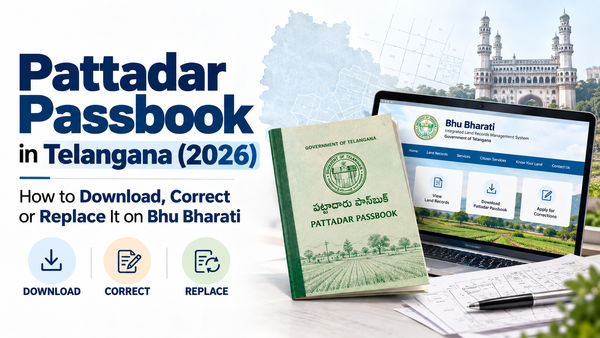
Download your Pattadar Passbook (ePPB) on Bhu Bharati, get a duplicate, fix errors and appeal a rejection. Step-by-step for Telangana landowners, 2026.
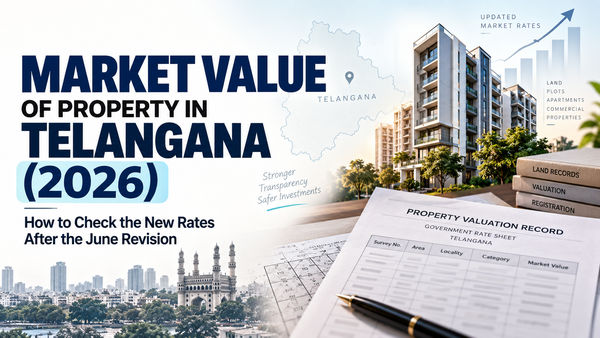
Telangana revised property market values from 5 June 2026. How to check the new land and apartment rates on the IGRS portal, how they are calculated, and what they mean for your stamp duty.
.png?tr=w-600,q-80,f-auto)
What is Patta Chitta? How to view and download your Tamil Nadu Patta Chitta online at eservices.tn.gov.in — by patta number, name or survey number, plus how it differs from an EC.
Explore All Insights
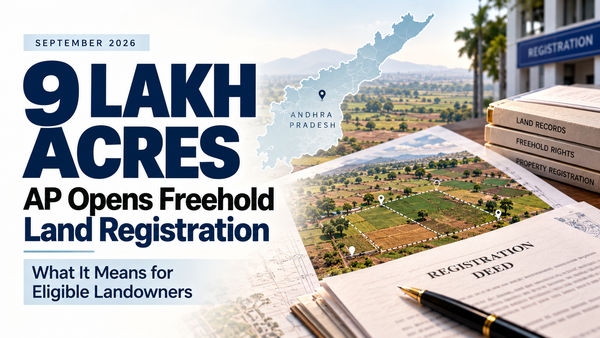
Andhra Pradesh has reopened registration for about 9 lakh acres of freehold land. What changed, which lands are still barred, and how to check yours.
Download your Pattadar Passbook (ePPB) on Bhu Bharati, get a duplicate, fix errors and appeal a rejection. Step-by-step for Telangana landowners, 2026.
Telangana revised property market values from 5 June 2026. How to check the new land and apartment rates on the IGRS portal, how they are calculated, and what they mean for your stamp duty.
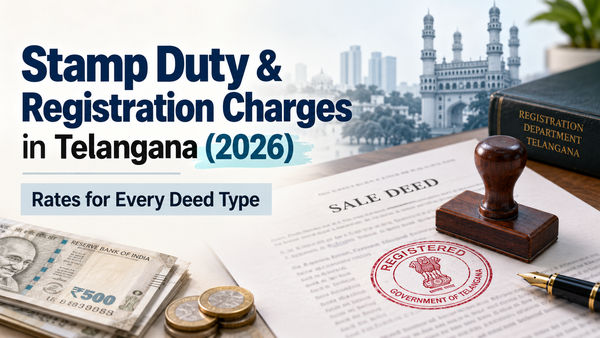
Current Telangana stamp duty, transfer duty and registration fee for sale, gift, GPA, mortgage, lease, partition, will and settlement deeds. Verified against IGRS.
What is Patta Chitta? How to view and download your Tamil Nadu Patta Chitta online at eservices.tn.gov.in — by patta number, name or survey number, plus how it differs from an EC.
%20What%20Every%20Homeowner%20Must%20Know%202026.png?tr=w-600,q-80,f-auto)
Andhra Pradesh is issuing QR-coded property cards under the NAKSHA drone + GIS survey. See what's on the card, the first 10 cities, the March 2027 timeline, and what to do now.

Bhoomi RTC and Pahani explained: what each field means, how to view records on the Karnataka portal, and how to download the digitally signed i-RTC banks accept.

Learn how to find and locate property ownership, verify the title chain, check the right records, and spot red flags before you buy property in India.

Learn how to change the electricity bill name in Hyderabad, what documents TGSPDCL asks for, how the process works, and what to do if bills or arrears are pending.

Learn how to check 22A prohibited land in Telangana, cross-check Bhu Bharati and registration records, and avoid buying property that cannot be registered.
.png?tr=w-600,q-80,f-auto)
தமிழ்நாட்டில் நிலம் வாங்குவது அல்லது விற்பது, அல்லது உங்கள் சொத்தின் மீதான உரிமையை உறுதிப்படுத்துவது ஒரு சிக்கலான செயல்முறையாக இருக்கலாம், குறிப்பாக சரியான ஆவணங்களைப் பற்றிய தெளிவு இல்லாதவர்களுக்கு. இந்த செயல்முறையின் மையத்தில் தமிழ்நாடு நில ஆவணங்கள் உள்ளன.
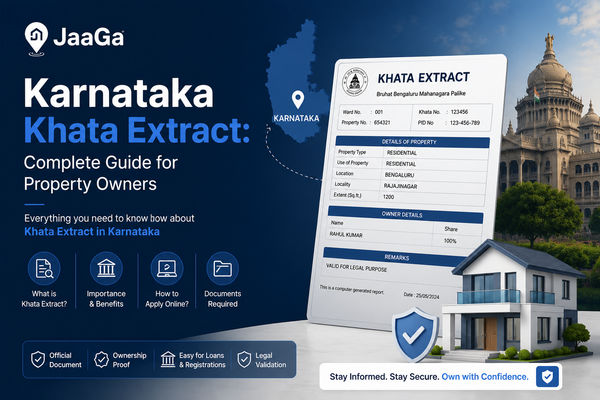
ಕರ್ನಾಟಕದಲ್ಲಿ ಆಸ್ತಿ ಮಾಲೀಕರಿಗೆ ಮತ್ತು ಆಸ್ತಿ ವ್ಯವಹಾರಗಳಲ್ಲಿ ತೊಡಗಿರುವವರಿಗೆ Khata Extract ಒಂದು ಅತ್ಯಗತ್ಯ ದಾಖಲೆಯಾಗಿದೆ. ಇದು ಆಸ್ತಿಯ ಮಾಲೀಕತ್ವ, ವಿವರಗಳು ಮತ್ತು ತೆರಿಗೆ ಪಾವತಿ ಸ್ಥಿತಿಯ ಬಗ್ಗೆ ನಿರ್ಣಾಯಕ ಮಾಹಿತಿಯನ್ನು ಒದಗಿಸುವ ಒಂದು ಪ್ರಮುಖ ಆಸ್ತಿ ದಾಖಲೆಯಾಗಿದೆ. JaaGa ದಂತಹ ವೇದಿಕೆಗಳು ನಿಮಗೆ ಹೇಗೆ ಸಹಾಯ ಮಾಡುತ್ತವೆ ಎಂಬುದನ್ನು ತಿಳಿಯಿರಿ.
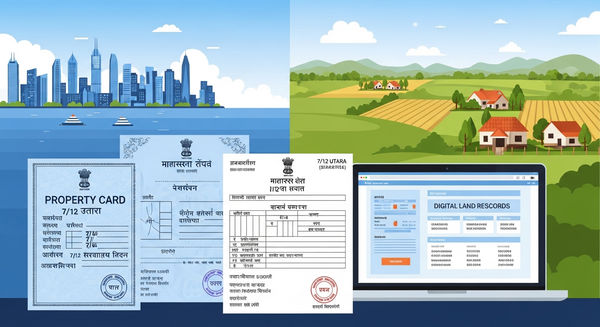
Access Maharashtra property and land records online with Jaaga. Download Property Card, 7/12 Utara, Ferfar, 8A Extract, Bhunaksha, Village Map, CTS Maps, Encumbrance Certificate, RERA details, and more. Fast, secure, and verified document delivery.
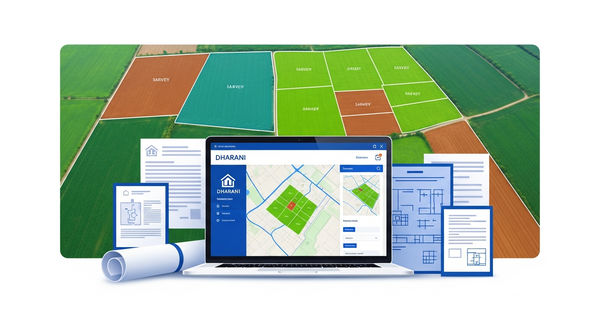
Learn how to research land in Telangana before buying or investing. Discover land records, ownership verification, encumbrance certificates, survey details, legal checks, and expert tips to avoid property disputes.

Discover 15 critical red flags in property documents every lawyer must verify before issuing a title opinion. Learn how modern legal teams handle property due diligence.
.png?tr=w-600,q-80,f-auto)
Learn how a title search report and legal opinion help panel lawyers verify ownership, detect encumbrances, reduce legal risks, and ensure secure property transactions.
.png?tr=w-600,q-80,f-auto)
Supreme Court flags institutional failure as RERA becomes a shield for defaulting builders, not homebuyers. Learn about the challenges.
.png?tr=w-600,q-80,f-auto)
Learn how to download Telangana EC, Land Records, RoR & Pahani instantly using the Jaaga App. Understand document importance, when they are required, and how to access them easily online.
.png?tr=w-600,q-80,f-auto)
Learn why the Telangana government is replacing the GHMC Act with a new Core Urban Act (CURE), how it will affect Hyderabad’s civic administration and urban development.
.png?tr=w-600,q-80,f-auto)
Learn everything about the Encumbrance Certificate (EC), its importance in property transactions, and how to download it online in states like Telangana, AP, Tamil Nadu, and Odisha.
A Certified Encumbrance Certificate (EC) records all property transactions. Learn how to download your Certified EC in Telangana using JaaGa.
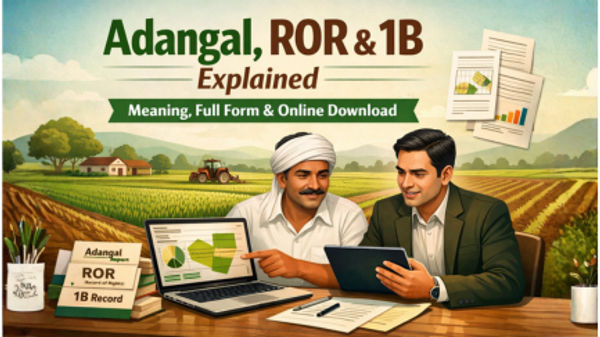
Understand the difference between Adangal, ROR, and 1B documents, their importance, and how to download Adangal and 1B online. A complete guide for landowners and farmers.
.jpg?tr=w-600,q-80,f-auto)
Learn how to view, download, and verify your FMB Sketch or FMB Map Online in Tamil Nadu. Step-by-step guide to accessing the Tamil Nadu Map, downloading FMB records, and checking land details easily.
.jpg?tr=w-600,q-80,f-auto)
Discover essential real estate investment tips for 2026! Learn to select investment properties wisely and thrive in the evolving market landscape.
.jpg?tr=w-600,q-80,f-auto)
Bhu-Aadhaar or ULPIN (Unique Land Parcel Identification Number) is a 14-digit digital ID for every land parcel in India under DILRMP. Learn its meaning, generation process, benefits, and state-wise implementation.
.jpg?tr=w-600,q-80,f-auto)
Learn what is sale deed and what is sale agreement, their meanings, differences, types, and legal importance in property transactions. Discover what a link document is and why it matters.
.jpg?tr=w-600,q-80,f-auto)
Thinking of buying property in your parents’ name in India? Read this first to understand legal pitfalls, tax impacts, inheritance issues, and smarter strategies before you decide.
.jpg?tr=w-600,q-80,f-auto)
Discover how Title Verification & Legal Opinion protects your property investment. Learn the documents required, what’s included in the report, and why it’s essential for safe real estate transactions.
.jpg?tr=w-600,q-80,f-auto)
Bhu Bharati Portal Scam: Telangana’s ₹52-Crore Digital Fraud Unraveled
The Bhu Bharati portal scam in Telangana has snowballed into a ₹52-crore cyber fraud, revealing deep corruption, forged e-challans, and technical loopholes in India’s land registration systems. Here’s a full breakdown of how it unfolded — and what it means for digital governance.
.jpg?updatedAt=1768798124056&tr=w-600,q-80,f-auto)
A simple guide explaining A Khata, B Khata, eligibility, benefits, and conversion rules in Bangalore.
.jpg?tr=w-600,q-80,f-auto)
Learn how to easily download your Maharashtra 8A (Agriculture) document online using JaaGa. Follow our simple guide to enter your Village/Division and Survey Number to get your 8A extract instantly. Fast, free, and accurate!
.jpg?tr=w-600,q-80,f-auto)
Learn how to download your Maharashtra Property Card using the JaaGa App with a detailed step-by-step guide. Find out how to enter Village/Division, Survey Number, and more.
.jpg?tr=w-600,q-80,f-auto)
In today’s interconnected world, property transactions often involve multiple languages, legal systems, and institutional requirements. Whether you are buying property in a different state, submitting documents to banks, or dealing with government offices for registration or compliance, accurate translation of property documents is essential.
.jpg?tr=w-600,q-80,f-auto)
Get a clear understanding of what is a legal opinion, why it’s vital for property buyers, and how to easily request a verified legal opinion using JaaGa.
.jpg?tr=w-600,q-80,f-auto)
Odisha land records are essential for landowners, buyers, and researchers. One of the most important documents is the Plot Map / Bhunaksha, which shows the geographic layout of land parcels. With the JaaGa portal, you can download the Odisha plot map quickly, simply, and for free — all online!
.jpg?tr=w-600,q-80,f-auto)
Buying property in Telangana is a major life milestone, but as recent headlines prove, it can quickly turn into a legal nightmare without the right verification. Learn how to protect yourself from scams.

A Complete Guide for Flats, Villas, and Land Buyers. Learn about RERA, TG RERA, and how a professional property audit report by Jaaga can help you choose the right property with confidence.
.jpg?tr=w-600,q-80,f-auto)
Before registering property in Telangana, learn JaaGa’s expert tips and legal checklist for smooth registration, stamp duty, and document verification. Discover how JaaGa ensures transparent, secure property ownership in Telangana.
.jpg?tr=w-600,q-80,f-auto)
Download Andhra Pradesh Certified Copy online using SRO, document number, and registration year. Legally valid, digitally signed property records via JaaGa.
.jpg?tr=w-600,q-80,f-auto)
Learn how to download the Tamil Nadu FMB Sketch online through the JaaGa platform or the TN e-Services portal. Step-by-step guide with full details on Village/Division, Land Type, Survey Number, and Sub Division Number.
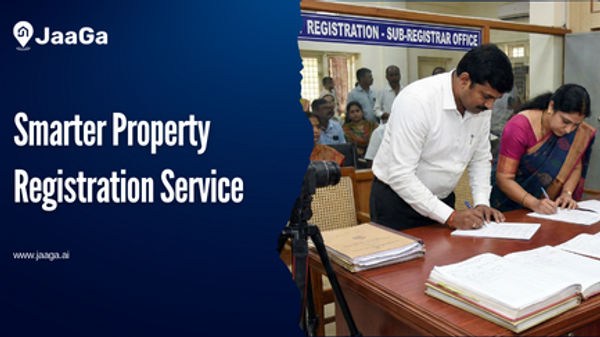
Buying property is one of the most significant investments in a person’s life. Yet, the registration process can often feel like a maze of paperwork, legal jargon, and endless waiting. This is where JaaGa Property Registration Services steps in — providing a one-stop, online registration solution designed to simplify and streamline the entire process.
.jpg?tr=w-600,q-80,f-auto)
Learn what 7 12 Maharashtra land records are, how to check 7 12 online Maharashtra, understand satbara utara Maharashtra, Bhunaksha maps, Ferfar, 8A extract, and how Maharashtra land records work together for safe property transactions.
.jpg?tr=w-600,q-80,f-auto)
Discover how JaaGa automates banking due diligence, eliminates manual verification, accelerates APF and mortgage checks, and delivers fast, accurate property intelligence.
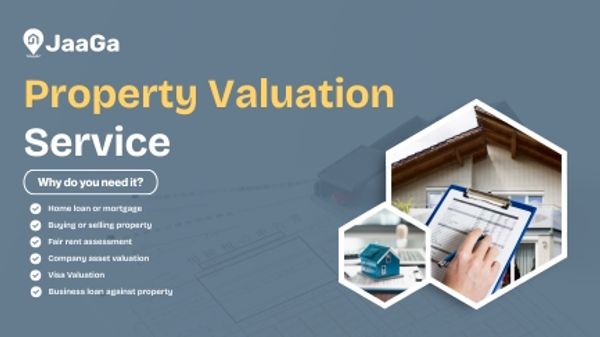
Get accurate, certified property valuation in Hyderabad. Residential, commercial & land valuation for loans, sale, purchase, and legal purposes. Fast & reliable.
.png?updatedAt=1761916011550&tr=w-600,q-80,f-auto)
Mutation is the process of changing the title of a property in the revenue records after it has been sold, inherited, or transferred. In Telangana, the mutation process ensures that the new owner's name is officially registered in government records, allowing them to pay property tax and establish legal ownership.
.png?updatedAt=1758529773318&tr=w-600,q-80,f-auto)
Owning property is one of the biggest financial and emotional investments in India. But proving legal ownership of a property can often be confusing, especially when disputes, missing documents, or unclear records are involved.